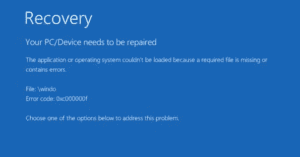
If you’ve encountered a frustrating blue screen with an error code, file missing, or a corrupt file message when trying to boot your Windows 10 or 11 PC, you’re not alone. This is a...
Read More

Top 10 Free Software That You Should Try Today
In today’s digital landscape, finding free software for your computer can be overwhelming. With numerous options available, it’s hard to know which ones stand out in terms of functionality, ease of use, and reliability....
Read More
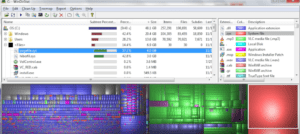
How to Fix – Why Your Computer Slows Down Over Time
As someone who has worked with computers dating back to the MS-DOS and Windows 95 era, I’ve seen it all when it comes to operating systems and their quirks. Over time, almost every computer...
Read More
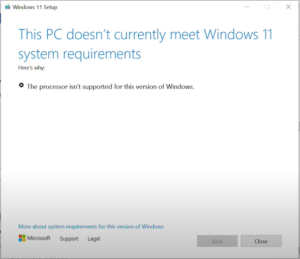
How to Install Windows 11 on Unsupported Devices – Step by Step Easy Solution
On October 5th, Microsoft officially released Windows 11, a much-anticipated operating system update boasting faster performance, better visuals, and plenty of new features. Unfortunately, many older machines don’t meet the requirements set by the...
Read More
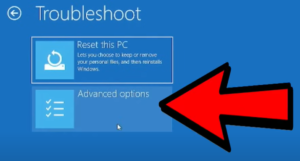
How to fix ANY Windows problem with the built-in repair tool like a PRO
If you’re a Windows user and everything is running smoothly, consider yourself lucky! But at some point, you might encounter the dreaded blue troubleshooting screen. Many people simply wait for the process to finish,...
Read More

A Must-Have Tool for PC Repair Enthusiasts: UVK – Ultra Virus Killer
Are you a PC repair technician, tech enthusiast, or hobbyist who loves tinkering with computers? If so, there’s a powerful tool you should consider adding to your toolkit: UVK (Ultra Virus Killer). This robust...
Read More
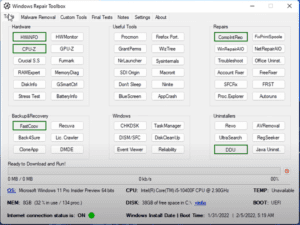
Windows Repair Toolbox : The Best Free Windows Repair Tool to Fix Any Problem
In today’s tech-driven world, Windows can sometimes break down due to a variety of reasons—whether it’s a bug, malware, or some other issue. But there’s no need to panic! In this detailed blog post,...
Read More
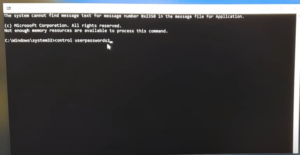
How to Reset Your Windows 10 Password: Without Losing Data
If you’ve forgotten your Windows 10 password and are locked out of your computer, don’t worry. This guide will walk you through two simple methods to reset your password and regain access to your...
Read More
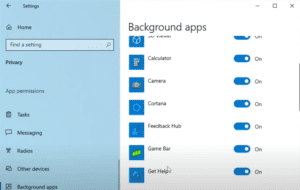
Boost Performance and Reduce Lag Speed of Windows 10 – Slow issues solved
If you’re using Windows 10 and facing slow performance, lagging issues, poor gaming performance, or FPS drops, you’re not alone. The good news is that you can improve your Windows 10 performance by applying...
Read More
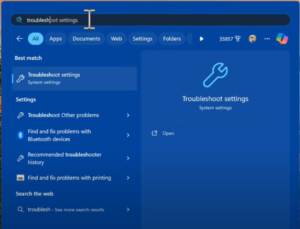
How to Fix Windows Update Error Code 0x80070308 on Windows 10 & 11: A Step-by-Step Guide
Encountering Windows update error code 0x80070308 can be frustrating, but don’t worry—this step-by-step guide will show you how to fix it quickly and easily. Whether you’re using Windows 10 or Windows 11, these simple...
Read More
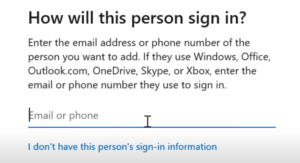
Ultimate Guide to Fix Almost any Windows Problem – Without Reinstalling
When it comes to computer problems, especially on Windows, there can be almost endless potential causes. However, there are a few core steps you can take to fix most issues without resorting to a...
Read More
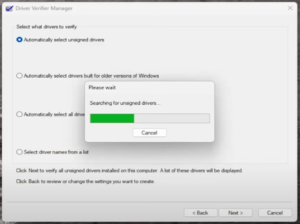
How to Fix the WFP Invalid Operation Blue Screen Error on Windows 10/11
Encountering a Blue Screen of Death (BSOD) with the error message “WFP Invalid Operation” on your Windows 10 or 11 PC can be frustrating. Fortunately, there are several simple steps you can follow to...
Read More
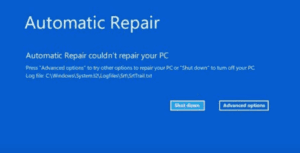
5 Best Way to Automatic Repair Loop and “Startup Repair Couldn’t Repair Your PC” Error
Are you stuck on the dreaded blue screen with an error message that says, “Automatic Repair couldn’t repair your PC” or “Startup Repair couldn’t repair your PC”? Don’t worry! This problem can occur for...
Read More
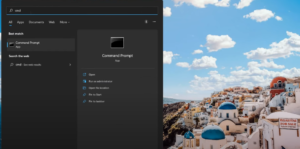
How to Fix Windows 11 Freezing or Crashing in 3 Simple Steps
Is your Windows 11 or Windows 10 computer freezing randomly or crashing? This step-by-step guide will help you fix the issue with just three simple steps. These methods work in 99% of cases, so...
Read More
How to Fix the “Your PC Ran Into a Problem and Needs to Restart” Error: A Step-by-Step Guide
Experiencing the “Your PC ran into a problem and needs to restart” error can be frustrating, but don’t worry! This guide will walk you through several troubleshooting methods to fix the issue. Whether you’re...
Read More

Step-by-Step Guide: How to Use MediCat USB for IT Disaster Recovery
n today’s tech world, having a powerful recovery tool in your arsenal can be a lifesaver, especially for IT professionals. One of the most versatile and powerful tools available is MediCat USB—an all-in-one disaster...
Read More
Step-by-Step Guide: How to Fix “There Was a Problem Resetting Your PC” Error on Windows 10
If you’re facing the dreaded “There was a problem resetting your PC. No changes were made” error on Windows 10, you’re not alone. This bug prevents users from resetting their system, leaving them stuck...
Read More
Step-by-Step Guide: How to Rebuild the Windows 10 Startup Partition and Fix Boot Issues
Are you stuck in a Windows 10 boot loop where startup repair fails repeatedly? You’ve probably tried other fixes like restoring the registry, but with no luck. In this guide, I’ll show you how...
Read More
Step-by-Step Guide: How to Install Windows 11 Over the Network Using iVentoy
Welcome to this detailed guide on how to install Windows 11 over the network using a tool called iVentoy. The main advantage of this method is that you can install the operating system on...
Read More

Step-by-Step Guide: How to Reset Windows 10 Password Using Command Prompt (Without Any Software)
Hello friends! Have you forgotten your Windows 10 local account password? Don’t worry, there’s no need to panic. In this guide, I’ll show you how to reset your Windows 10 password using Command Prompt—without...
Read More
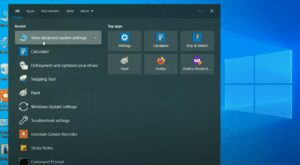
Step-by-Step Guide: How to Boost the Speed and Performance of Your Windows 10 PC
Is your Windows 10 PC running slow? Don’t worry! With a few simple tweaks, you can significantly improve your computer’s speed and performance. Follow this step-by-step guide to optimize your system, disable unnecessary startup...
Read More