If you’re a Windows user, you’re in for a treat. We’ve compiled a list of 11 free Windows apps that can significantly improve how you use your Windows laptop or desktop. Whether you’re looking for better performance, smarter file sharing, or enhanced visual control—these apps have you covered.
Let’s explore these tools that can truly elevate your Windows experience.
1. Ventoy – Create Multi-Boot USB Drives Without Reformatting
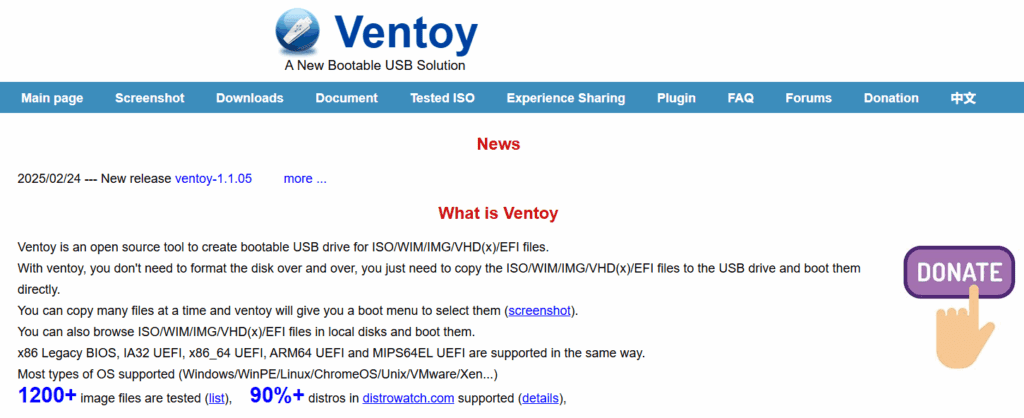
Many users rely on tools like Rufus to create bootable USB drives, but they often require reformatting the USB each time. Ventoy simplifies this process by allowing you to copy multiple ISO files to a USB stick without reformatting. Just drag and drop the files, and Ventoy takes care of the rest. It supports all major file types and even allows secure boot support.
2. OCCT – System Stability Testing Tool
OCCT (OverClock Checking Tool) is essential for users who push their systems to the limit. It monitors system stability in real-time, providing detailed information about CPU, GPU, RAM usage, and more. Its quick error detection makes it ideal for troubleshooting hardware-related issues.
3. LocalSend – Cross-Platform File Sharing
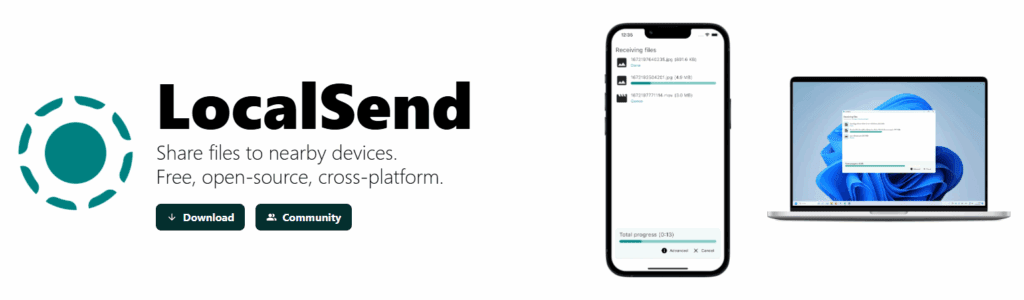
Transferring files between different devices can be challenging. LocalSend offers a seamless solution, allowing you to share files between Android, iPhone, Mac, and PC devices on the same Wi-Fi network. It’s fast, simple, and completely local—no cloud storage needed.
4. ClipShelf – Clipboard Manager with Multi-Copy Support
The native Windows clipboard has its limitations. ClipShelf enhances your clipboard experience by allowing you to copy and store multiple items simultaneously. This is especially useful when working with large chunks of text or code.
5. SignalRGB – Universal RGB Controller
Managing RGB settings from multiple component brands can be cumbersome. SignalRGB acts as a universal remote for all your RGB components, centralizing all RGB settings under one roof. It supports various devices, including CPU fans, RAM, GPUs, and keyboards.
6. f.lux – Eye Comfort Display Adjustment
f.lux is a simple yet powerful app that automatically adjusts your screen’s color temperature based on your location’s sunrise and sunset times. It helps reduce eye strain by lowering blue light emissions, especially in the evening. You can fine-tune color warmth from 2700K to 6500K, making it perfect for those sensitive to brightness or who spend long hours in front of a screen.
7. One Commander – File Explorer Redefined
One Commander is a modern file manager for Windows 11 and Windows 10. It features a dual-pane view, hover-based previews, a breadcrumb-style path bar, and a cleaner, faster experience, especially on older PCs. If you find Windows File Explorer clunky or outdated, One Commander is a sleek replacement.
8. Windhawk – Windows Mods Marketplace
Windhawk is a modding marketplace for Windows 11 with a vibrant community behind it. It allows you to customize Windows behavior and appearance with simple mod installations. For example, the Taskbar Volume Control mod lets you control your volume by just scrolling on the taskbar. There are many such hidden gems in Windhawk’s repository that can dramatically improve your Windows experience.
9. BleachBit – Privacy-Centric Junk Cleaner
BleachBit is a serious open-source alternative to CCleaner. It allows you to remove junk files and cookies on a per-app basis, manually or automatically clean your browser data, and securely delete files with overwrite protection to prevent data recovery. If privacy and speed are priorities for you, BleachBit should be on your list.







10. Flow Launcher – A Smarter Alternative to Spotlight Search
Flow Launcher takes spotlight-style search to the next level. It offers plugin support for enhanced functionality, such as searching bookmarks, running Python code, adjusting system settings, and executing system commands like shutting down or restarting your PC. Its modern interface integrates well with Windows 11 aesthetics, making it a powerful tool for a free app.
11. Mouse Without Borders – Use One Mouse Across Multiple Devices
Managing multiple PCs or laptops? Mouse Without Borders is an incredible app that lets you move your mouse and keyboard across multiple machines—just like using a multi-monitor setup. Install it on all devices, pair them using a secure key, and you’re set. You can drag and drop files (up to 100MB), copy and paste text between systems, and use a single keyboard and mouse across up to four PCs.
Final Thoughts
These 11 free apps are some of the best tools for any Windows user in 2025. Whether you’re seeking enhanced productivity, cross-device syncing, or deep customization, these apps can make your computing life easier, faster, and more enjoyable.
Try them out and see what works best for you. Have any favorite Windows apps we missed? Share them with us—we’re always on the lookout for great recommendations.
Tags: windows apps, productivity tools, windows customization, windows utilities, clipboard manager, file explorer alternatives, pc performance tools, rgb control software, file sharing tools, mouse without borders, system stability
windowsapps #freewindowsapps #productivitytools #pcutilities #fileexplorer #systemtools #techguide #windows11 #clipboardmanager #filesharing #windowscustomization #flowlauncher #mousewithoutborders #fluxapp #ventoy #localfiletransfer








