Microsoft’s Windows Insider Program has long been a gateway for early adopters, developers, and IT professionals to test upcoming features before they are released to the general public. With the next major update, Windows 11 version 25H2, expected to roll out in the fall, many users are curious about where and how this version is currently being tested within the Insider Program.
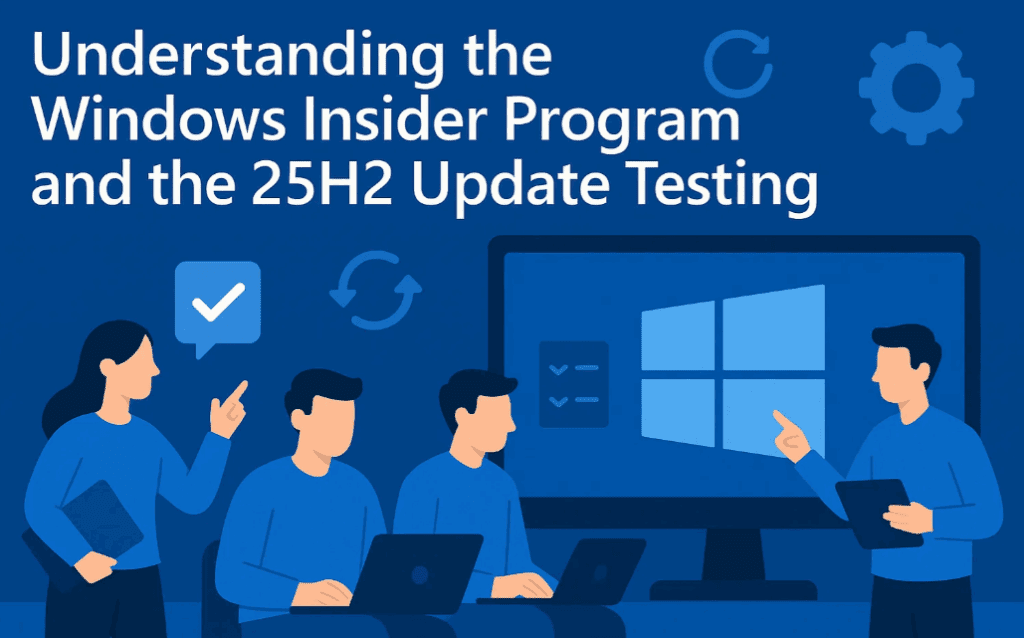
In this article, we’ll explain the current state of the Windows Insider Program, which channels are available, and where the 25H2 features are likely being tested.
🔍 What is the Windows Insider Program?
The Windows Insider Program is an initiative by Microsoft that allows users to test pre-release versions of Windows. It offers a sneak peek into upcoming features, bug fixes, and experimental changes.
To join the program:
- Open Settings > Windows Update.
- Scroll down and click on Windows Insider Program.
- Click Get Started and follow the steps to link your Microsoft account and select a channel.
🛤️ What Are the Windows Insider Channels?
As of now, the Windows Insider Program offers four different channels (branches) for testing:
- Canary Channel
- The most experimental channel. Features here may never make it to the final release.
- Ideal for developers and advanced users who want to see the latest changes first.
- Dev Channel
- Aimed at highly technical users.
- Some features being tested here could be part of future versions like 25H2, though not guaranteed.
- Beta Channel
- More stable than Dev and Canary.
- New features here are closer to what will eventually be released to the general public.
- Release Preview Channel
- Provides access to upcoming features just before general availability.
- Suitable for users who want the most stable experience among insiders.
🧩 Where Is Windows 11 25H2 Being Tested?
One of the key questions lately has been: Which channel is currently testing Windows 11 version 25H2?
Here’s what we know:
- Dev Channel: Likely already includes some 25H2 features.
- Canary Channel: Also a possibility for early 25H2 features, though not confirmed.
- Beta Channel: As of now, not testing 25H2.
- Release Preview: Not applicable yet for 25H2, as this channel typically comes into play closer to the official rollout.
🤔 Why the Confusion?
Previously, Microsoft clearly labeled Insider builds with the version they were testing (e.g., 24H2, 25H2). Today, it’s less transparent. Features may appear across multiple branches without being explicitly tied to a specific version. This makes it harder to know exactly when you’re testing a future release.
If you’re seeing new features in Dev or Canary that aren’t part of the current public version of Windows 11, chances are you’re already testing 25H2 features.
📝 Summary
- The Windows Insider Program is still active and useful for early testing of new Windows features.
- Windows 11 25H2 is most likely being tested in the Dev and possibly Canary channels.
- The Beta channel is not currently testing 25H2.
- Microsoft no longer provides clear indicators of which builds correspond to specific future updates.
📌 Disclaimer
This article is based on current information available as of May 2025. Microsoft may update or change the structure of its Insider Program or versioning without prior notice. Insider builds can be unstable and are intended for testing purposes only—install them at your own risk.
🔗 Useful Link
- Official Insider Program Page: https://insider.windows.com/
🏷️ Tags
Windows Insider Program, Windows 11, Windows 11 25H2, Dev Channel, Canary Channel, Windows update, Microsoft Insider channels, Insider build, Windows features testing, Windows 11 preview









🔖 Hashtags
#Windows11 #InsiderProgram #25H2 #WindowsUpdate #TechNews #Microsoft #DevChannel #CanaryBuild








