Have a stack of beautiful handwritten notes you wish you could listen to while on the go? Whether you’re a student, teacher, or self-learner, this guide will help you convert those handwritten notes into editable digital text, and then into MP3 audio files—using free tools available in 2025.
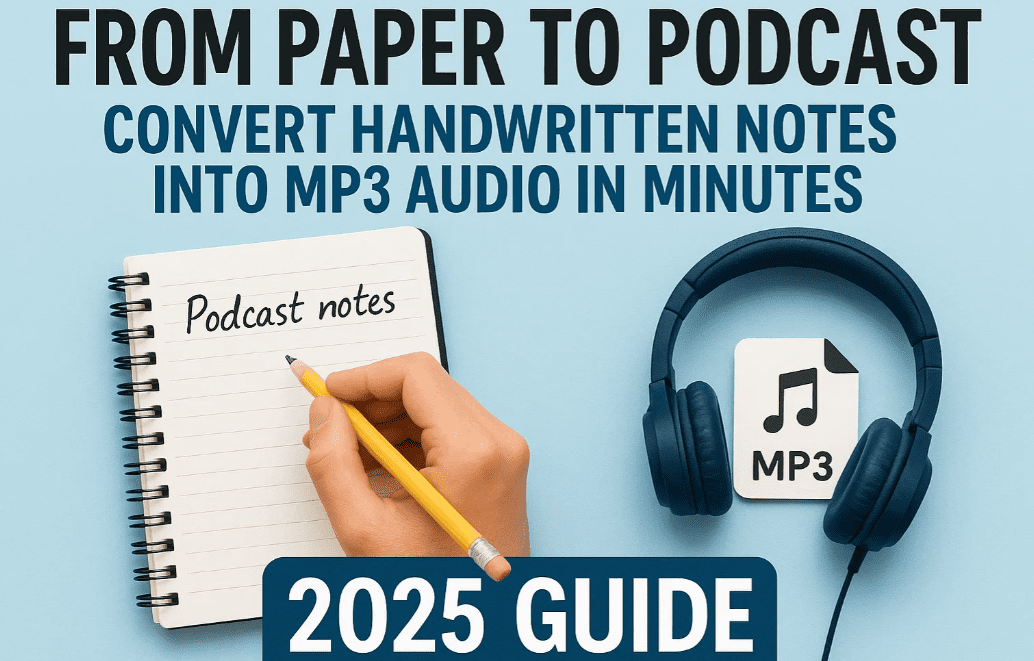
Let’s break this transformation into simple, doable steps that anyone can follow.
📖 Step 1: Digitize Handwritten Notes Using OCR (Optical Character Recognition)
Handwritten notes are wonderful to create, but hard to store and share. OCR helps turn those scribbles into digital, editable text.
You can digitize your notes in two ways:
🔍 A. Using a Scanner (Best for Clarity & Accuracy)
Here’s how to do it:
- Place the handwritten page on the scanner
- Open your scanner software (e.g., Epson Scan, Canon IJ Scan Utility, etc.)
- Set the following recommended scan settings:
- Scan Type: Grayscale (not color)
- Resolution: 300 dpi (for better clarity)
- Brightness: Around 20
- Contrast: Slightly higher (30–40)
- Click on Preview or Pre-Scan to see if the handwriting is clear
- Adjust the crop box to remove margins or extra space
- Hit Scan and save the file as a PNG, JPG, or PDF
💡 Save with meaningful names like
Math_Chapter1_Page1.pngfor easy tracking.
- Open Google Drive, upload the image or PDF
- Right-click on the file > Open with > Google Docs
- Wait for Google Docs to process the image
- You’ll now see:
- The image on top
- Editable, extracted text below
✅ Tip: Review the text and fix any minor OCR errors. The cleaner your handwriting, the fewer corrections needed.
📱 B. Using a Mobile Phone (Great for Quick Use)
- Install Google Lens or Microsoft Lens from your app store
- Open the app and tap the camera icon
- Snap a photo of your handwritten note in good lighting
- Tap and drag to highlight the section of text you want
- Choose Copy Text or Share
- Paste it into Google Docs, Word, or a text editor
👉 Full guide here:
📄 How to Digitize Handwritten Notes Using OCR from Scanner or Mobile
🗣️ Step 2: Convert the Text into Speech (TTS)
Now that your notes are digital, you can listen to them with the help of Text-to-Speech tools.
Free and Easy TTS Tools:
- TTSMP3.com – Supports Hindi & English, saves as MP3
- Google Text-to-Speech on Android
- Microsoft Edge “Read Aloud” feature
- Natural Readers – https://www.naturalreaders.com/online
Example (TTSMP3.com):
- Visit https://ttsmp3.com
- Paste your digitized text into the input box
- Choose a voice (e.g., “Emma – UK English” or “Raveena – Hindi”)
- Adjust speed and pitch (optional)
- Click Convert to MP3
- Click Download to save the audio file
You now have a spoken version of your handwritten note!
🎧 Step 3: Convert Audio or Text Files into MP3
Sometimes, TTS tools may export the audio as WAV or other formats, or you may want to batch convert multiple files into MP3. Here’s how to do it.
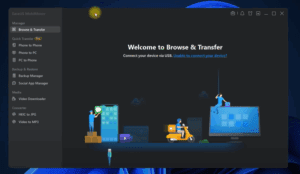
A. Using File Converter I/O (Free Desktop Tool)
👉 Full tutorial here:
🎧 How to Convert Video to Audio (MP3) in Seconds





Steps to Convert to MP3:
- Download and install File Converter I/O from the official website
- Locate the audio/text file you want to convert
- For example:
Lecture1.wav,output.ogg, or even.mp4
- For example:
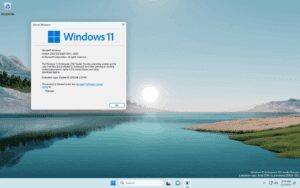
- Right-click the file and click “Show more options” (Windows 11)
- Select File Converter > Convert to MP3
- In seconds, your file will be converted and saved in the same folder
🎯 Advanced Features:
- You can reduce the audio bitrate to lower file size
- Supports batch conversions (multiple files at once)
- Also works for videos, documents, and images
🎓 Practical Uses
| User | How This Helps |
|---|---|
| Students | Listen to study notes while walking or exercising |
| Teachers | Prepare audio study material |
| YouTubers | Convert scripts to audio |
| Bloggers | Narrate content |
| Creators | Convert stories or journals to spoken word |
❓ FAQ
Q: Can I use this for Hindi or other languages?
🅰️ Yes! OCR tools and TTS platforms now support multiple Indian languages, including Hindi, Marathi, Bengali, and Tamil.
Q: Will the audio quality be good?
🅰️ Definitely. Many free tools now use AI voices that sound natural and clear.
Q: Can I use mobile for all steps?
🅰️ Yes. OCR apps, TTS converters, and MP3 audio players are mobile-friendly.
🎁 Bonus Recommendation
🎧 Looking for a portable MP3 player with Bluetooth support? [Affiliate link]
Check this one out on Amazon – great for students and casual listeners:
👉 https://amzn.to/3I5YKdo
✅ Tags:
digitize notes, handwritten to digital, ocr tools, convert handwriting to mp3, text to speech for study, audio notes, file converter io, google lens, convert text to audio, study tech
✅ Hashtags:
#TextToSpeech #DigitizeNotes #MP3Converter #OCRTools #GoogleLens #StudySmart #AudioLearning #FreeTTS #EdTech2025 #HandwritingToSpeech
🔐 Disclaimer: The tools mentioned here are for educational and personal use. Some may offer premium features but all basic functionalities described are available for free.
🧠 Final Thoughts
What used to take hours—typing your notes, recording your own voice—is now possible in just minutes with smart tools.
With a scanner or your phone, and a few clicks, you can:
- Scan handwritten pages
- Turn them into editable digital text
- Convert them into high-quality audio
- Export as MP3 to listen anywhere
This workflow is perfect for modern learners. Make your study time smarter, not harder. Try it today—your ears and your brain will thank you.








